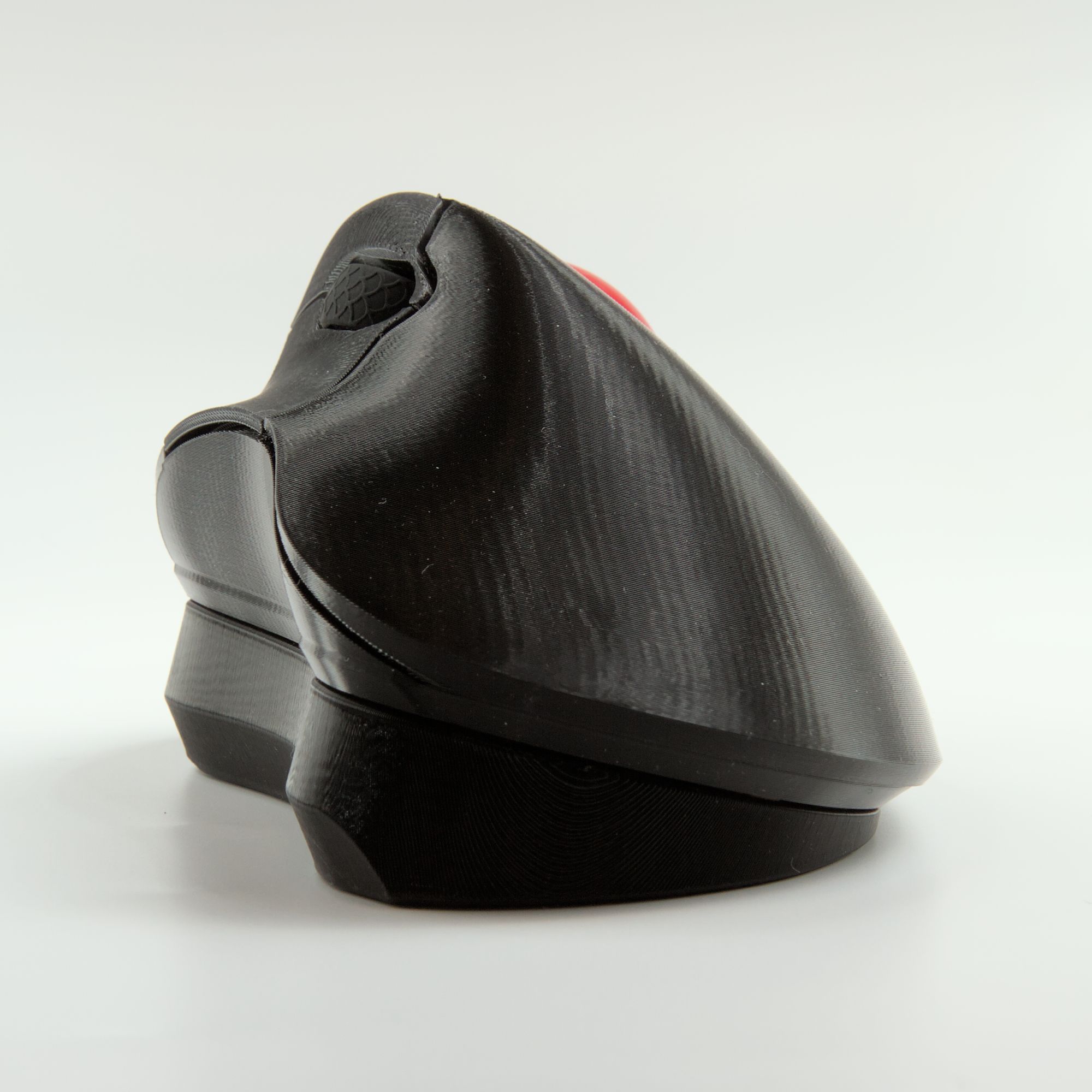
Description
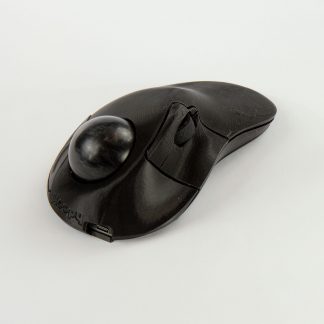
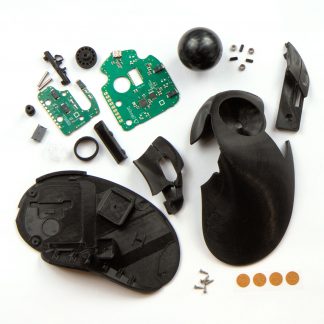
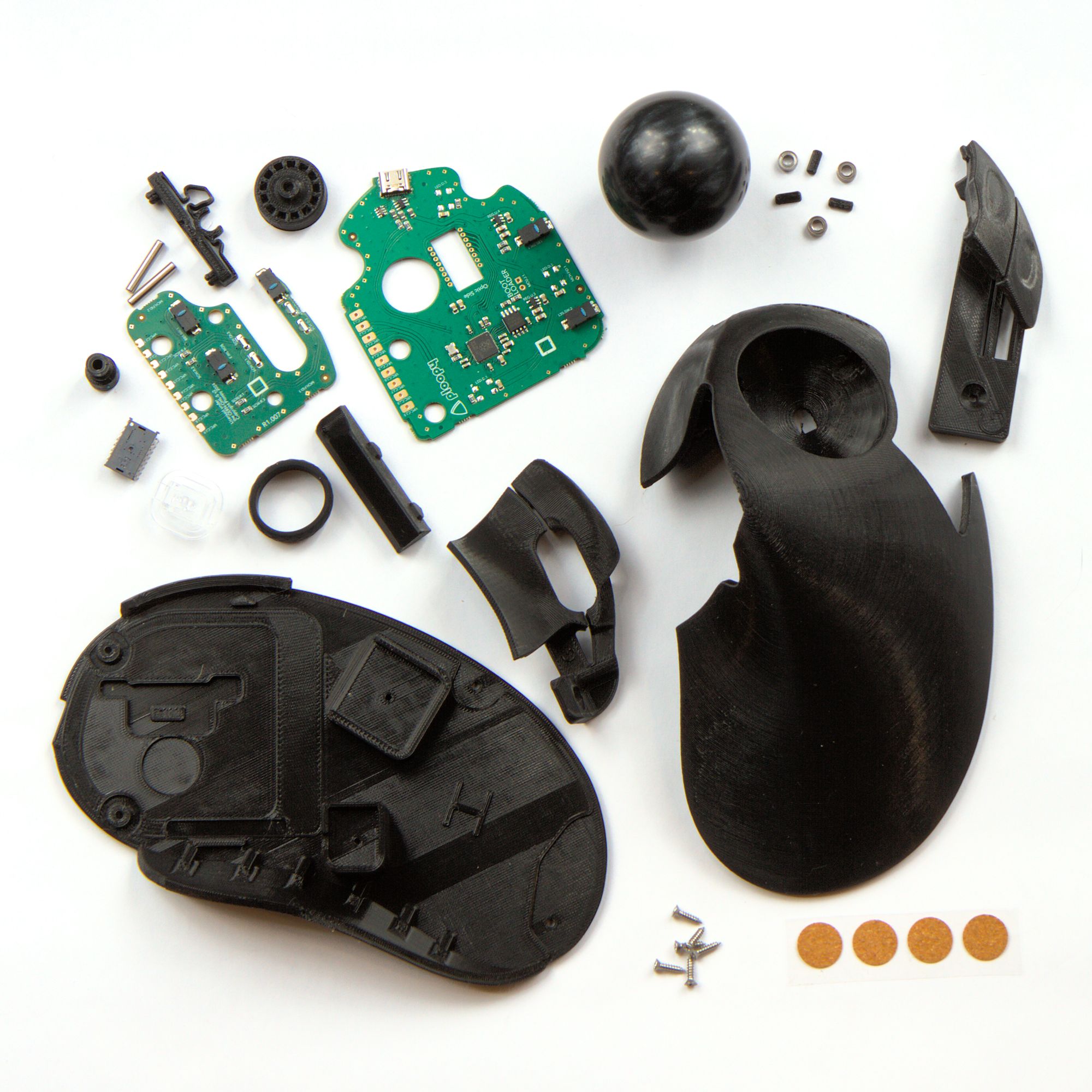
Included with every Classic 2 Trackball (Full Kit)
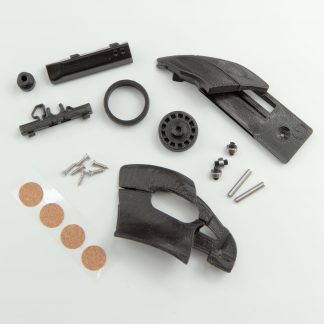
3D-printed parts
- Top
- 3x Roller Bearing Dowels
- Scroll Wheel
- Scroll wheel Holder
- Scroll Wheel Holder Holder
- Primary Buttons
- PCB Anchor
- Base
- Secondary Buttons
- Bearing Press Jig
Electronics
- PCB, programmed and fully tested
- PMW-3360
- PMW-3360 Optic
Hardware
- 6x Plastic Screws
- 3x MR63ZZ Roller Bearings
- 2x 3mm x 18mm Metal owels
- 1x Silicone Ring
- 4x Friction Pads
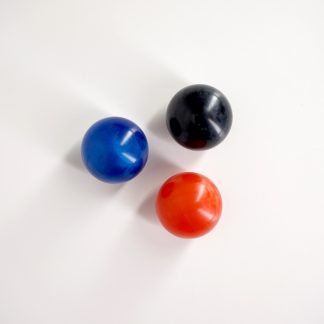
- 1x 1.75″ Ball
You can find full assembly instructions here.
Wedges are now available! The Classic 2 docks on top of the Wedge, which alters the angle of the Classic 2 by twenty degrees. Some users find this to be a more comfortable angle, and some users find it less comfortable.
Assembly
To complete the assembly, you’ll need:
- A Phillips head screwdriver (#1 or similar size)
- A soldering iron
- Solder
If you do not have these tools, you will not be able to complete the assembly process.
We strongly recommend looking over our soldering guide, which will provide you with all of the background information you will need to successfully solder your Ploopy kit.
This kit requires a significant amount of electronics assembly expertise to assemble correctly. If your device is non-functioning as a result of inadequate assembly, we cannot provide warranty service to you. For more information, please see our warranty, as well as this primer on our warranty and testing processes.
Default firmware
The Classic 2 Trackball ships with QMK preloaded. Currently, we’re shipping with version 0.27.13.
Want to load new firmware onto your Classic 2 Trackball? Loading new firmware is fast and easy, and doesn’t require anything except your computer. Check out our guide here. It includes a full set of instructions on loading new firmware. You can load new firmware with tools like QMK Toolbox or the QMK Configurator.
Roller Bearing Noise
Because this trackball has roller bearings, it’s noticeably louder that other trackballs. It makes a sort of scratchy grinding noise when the ball is moved. It’s a noise that you will notice during use. Please keep this in mind before ordering.
Modding
Planning on modifying your device? Read through the official Modder’s Guide first for helpful tips!
Checkout page not working?
Sometimes, ad-blocking software will interfere with the checkout process. It’ll result in the checkout page hanging forever after you’ve entered your payment information. If this is happening to you, try temporarily disabling your ad-blockers.